SVG
Export directly to SVG
Save your document with a .svg extension to create an SVG file.
Asciio will generate an SVG image that looks like the display in the GUI, you may want to disable the grid display if you are going to use them in presentations («zg»).
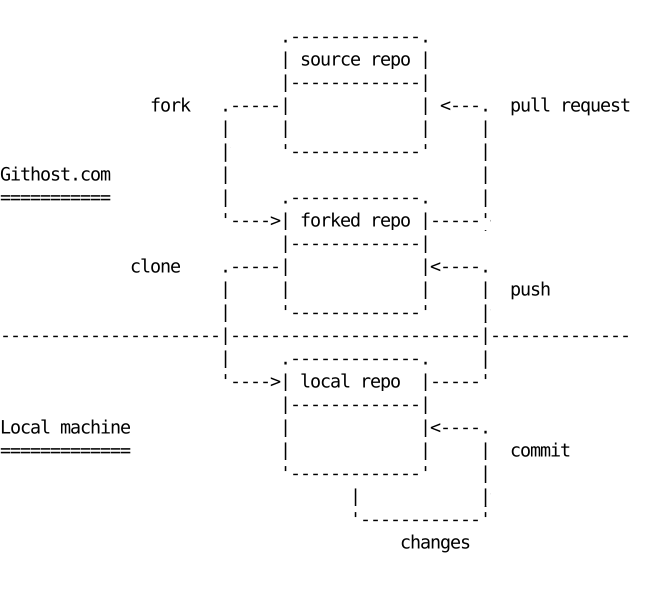
Converting diagrams to SVG images.
Use Goat or svgbob to convert your diagrams
Create a diagram in Asciio and save it as text
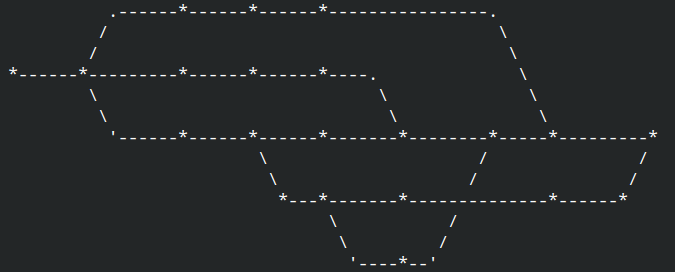
Transform it to SVG from ASCII
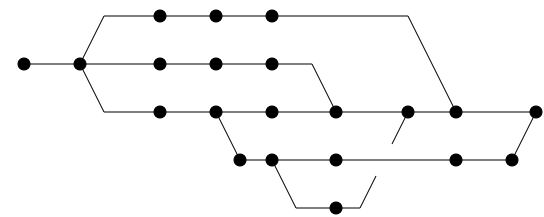
Further process the SVG
I used fskpf web site to generate a pseudo hand-drawn graph out of it
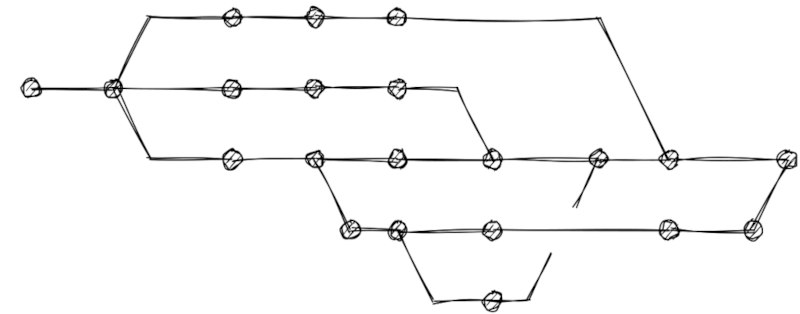
The svg2roughj sproject is here svg2roughjs